Author’s note
Why I built Docker Commander
Docker Commander grew out of two very practical needs.
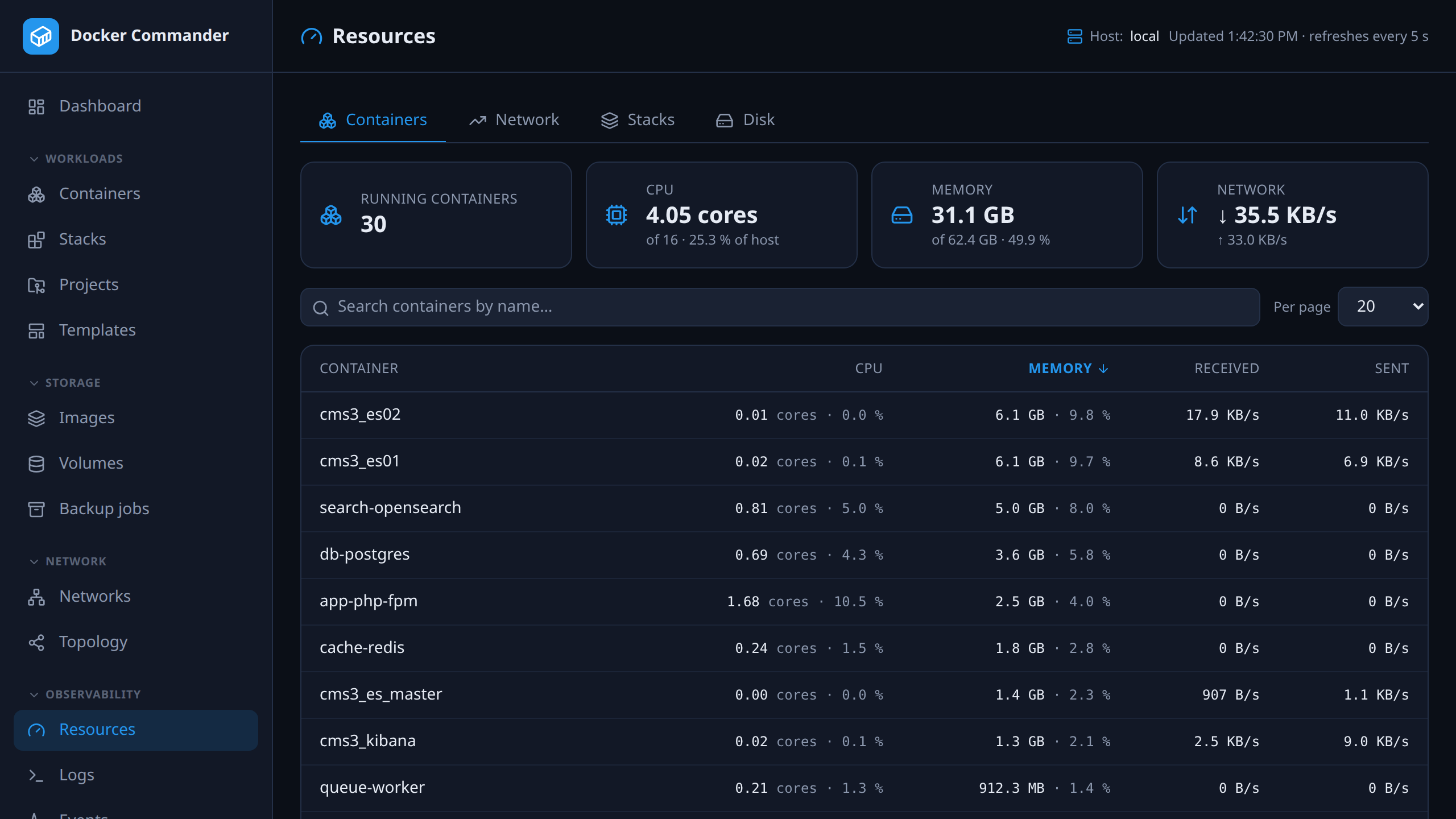
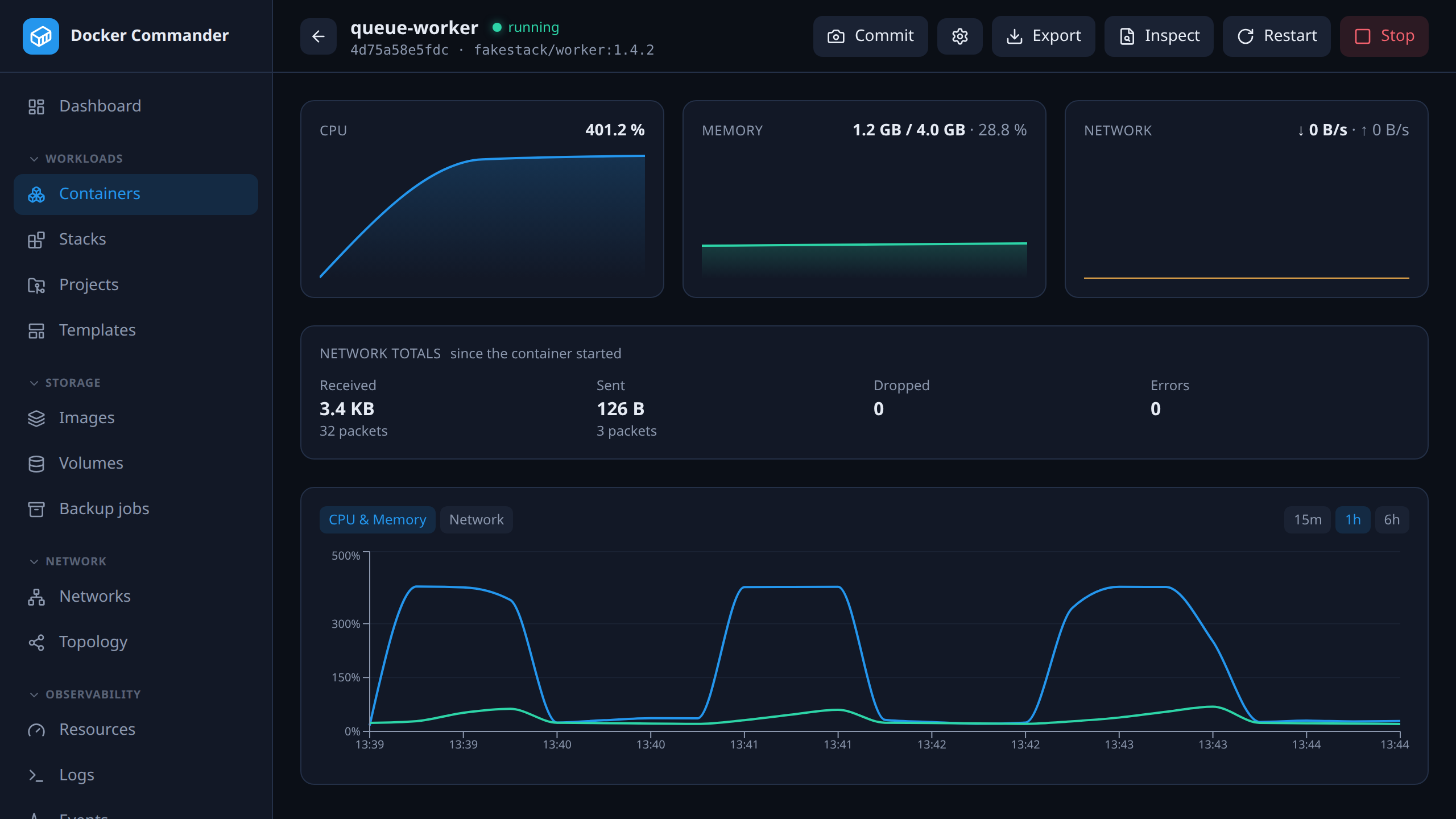
First, I wanted a simpler way to keep my own Docker hosts under control. When something went wrong, I was tired of jumping between SSH sessions, docker stats, logs, Compose files and several tools that each solved only one part of the problem. I wanted one place where I could see what was happening, investigate it and act immediately.
The second reason came from teaching. At the university, students need to work with real containers, images, networks, volumes and Compose projects — but too much of the lesson can easily disappear into fighting the command line, permissions and configuration details instead of understanding how Docker actually works.
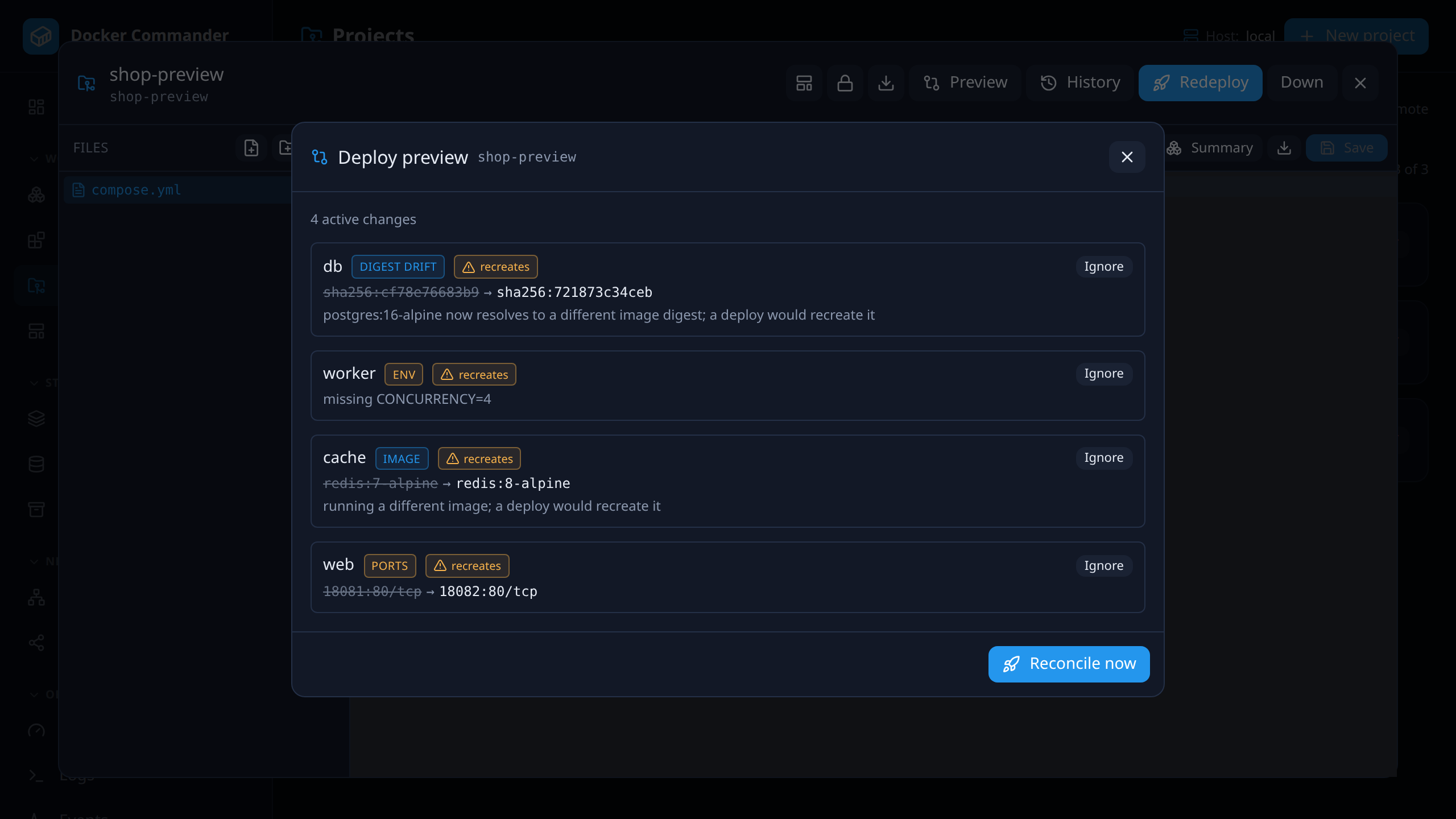
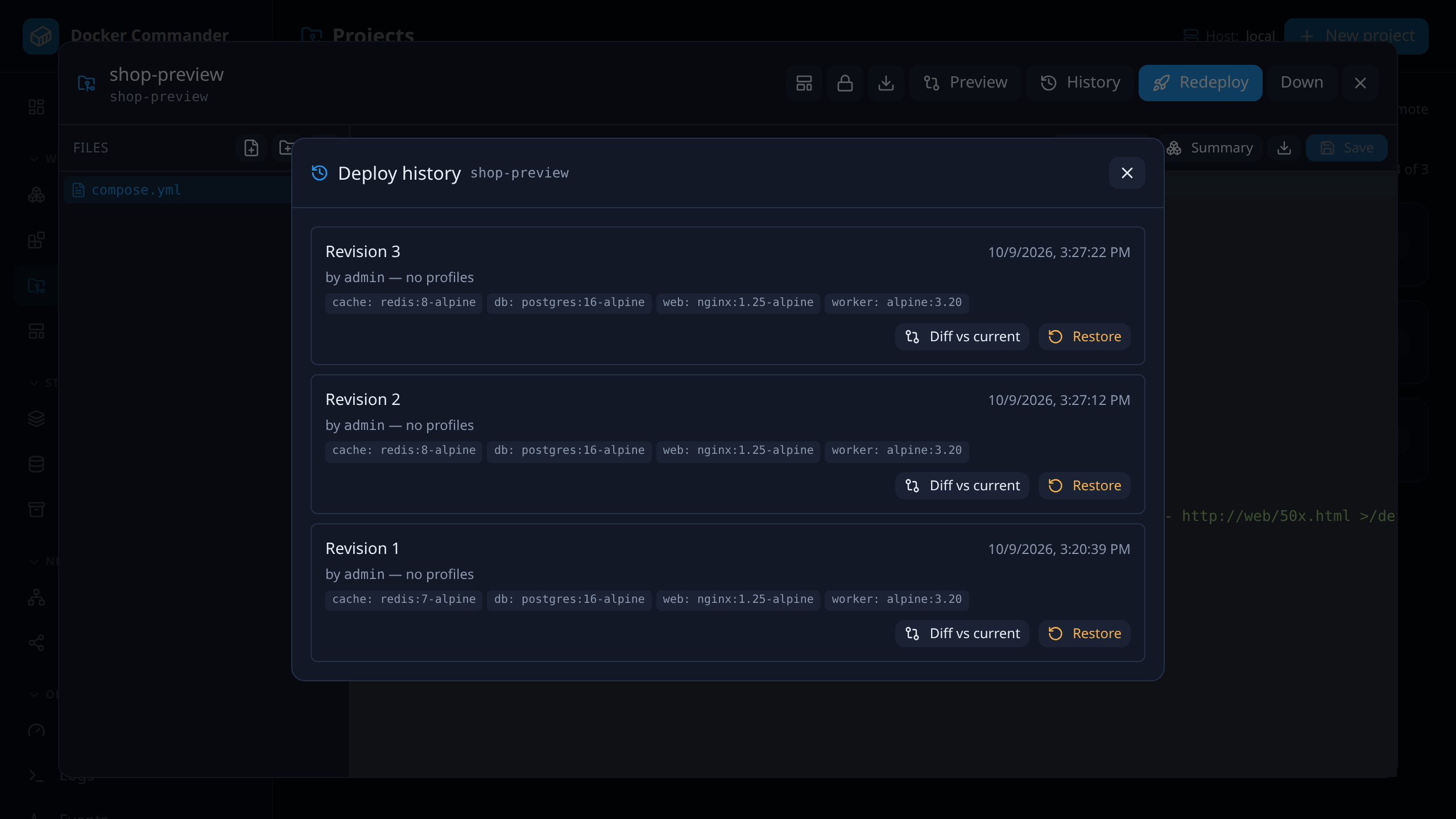
The goal was never to hide Docker behind a simplified toy interface. Docker Commander exposes the real objects and operations, but makes them easier to discover, inspect and control. Students can see how the pieces fit together, while experienced users can still reach the logs, shell, files, raw configuration and lifecycle controls they need.
What began as a small helper for my own servers and university classes gradually became a broader open-source project. The original principle has remained the same: infrastructure tooling should remove unnecessary complexity, not introduce another stack that needs to be maintained.

Built by
Filip Majerík
Software developer & university lecturer
Filip Majerík is a software developer, university lecturer and long-time builder of web-based systems. Docker Commander is developed under his direction, shaped by practical infrastructure work, classroom experience and an unreasonable number of occasions spent explaining bind mounts.
He reviews the architecture, behavior and security-sensitive parts of the project, while using AI-assisted development extensively for implementation, testing and documentation.
How much of this was written with AI, and what that does and does not mean, is spelled out further down — and every line of it is public in the repository.