Skip to content

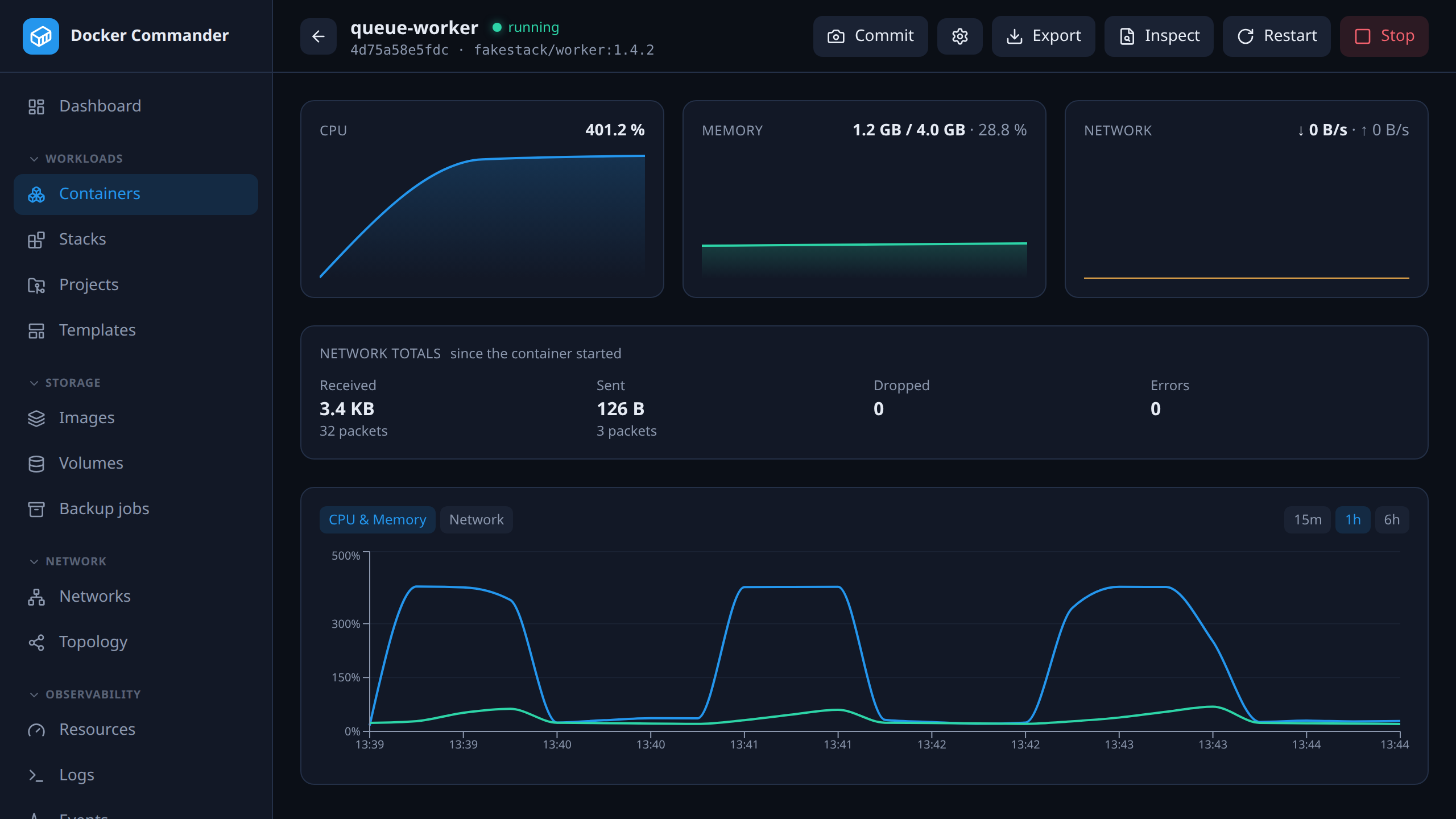
Everything about one container, on one screen

Live CPU and memory with history, then tabs for logs, an interactive xterm.js console, processes, a file browser, filesystem changes against the image and the environment. Limits and restart policy are edited in place.
127.0.0.1:8470
Container detail: live CPU and memory charts above tabs for logs, console, processes, files, changes and environment.

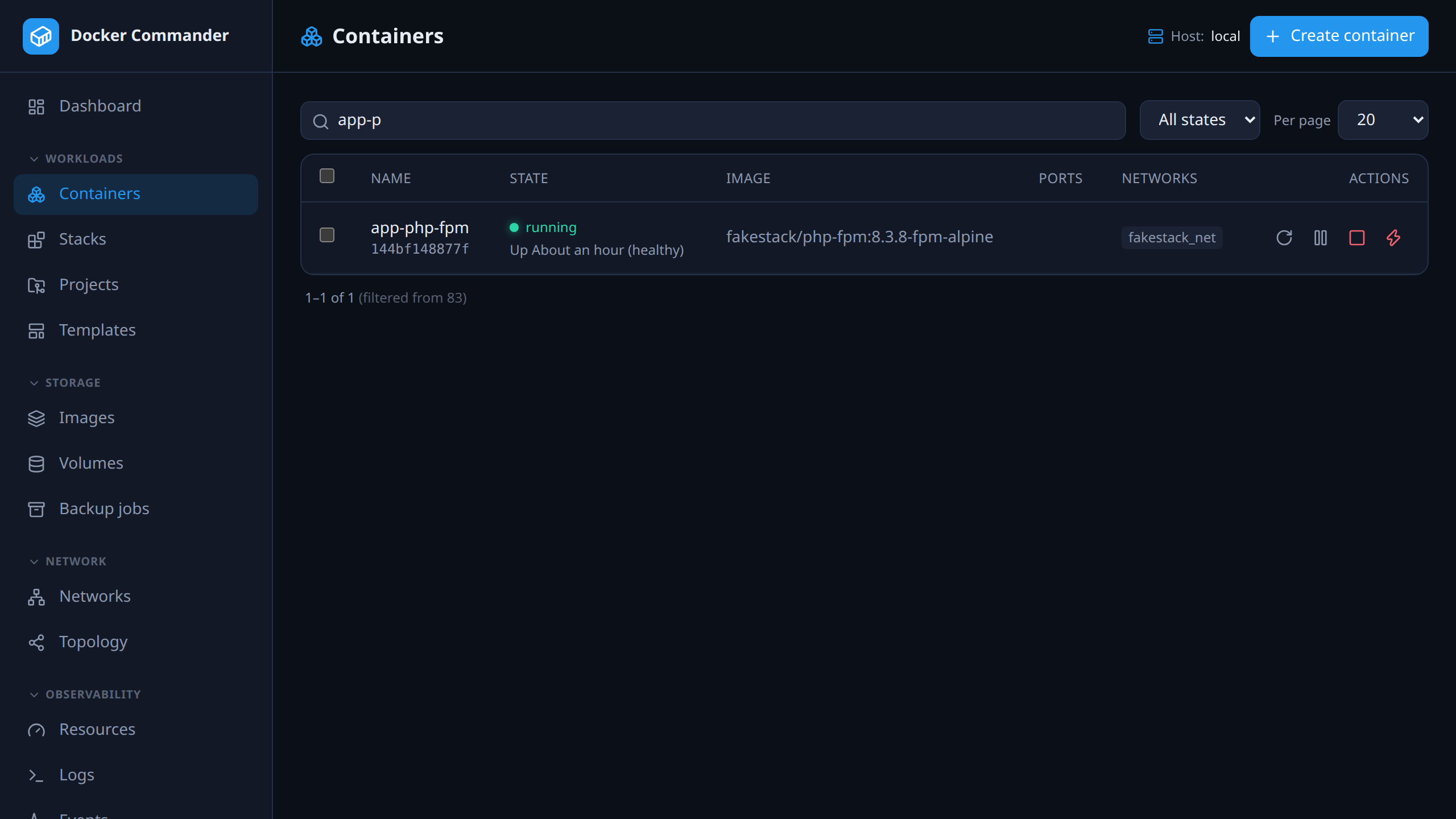
Bulk actions that report per container

Select several containers and restart, stop, start or pull them together: a preview of exactly what is targeted, one confirm, bounded parallelism, and a success or failure line for each container instead of one toast for the batch.

127.0.0.1:8470
The container list with several rows selected and the bulk action bar.

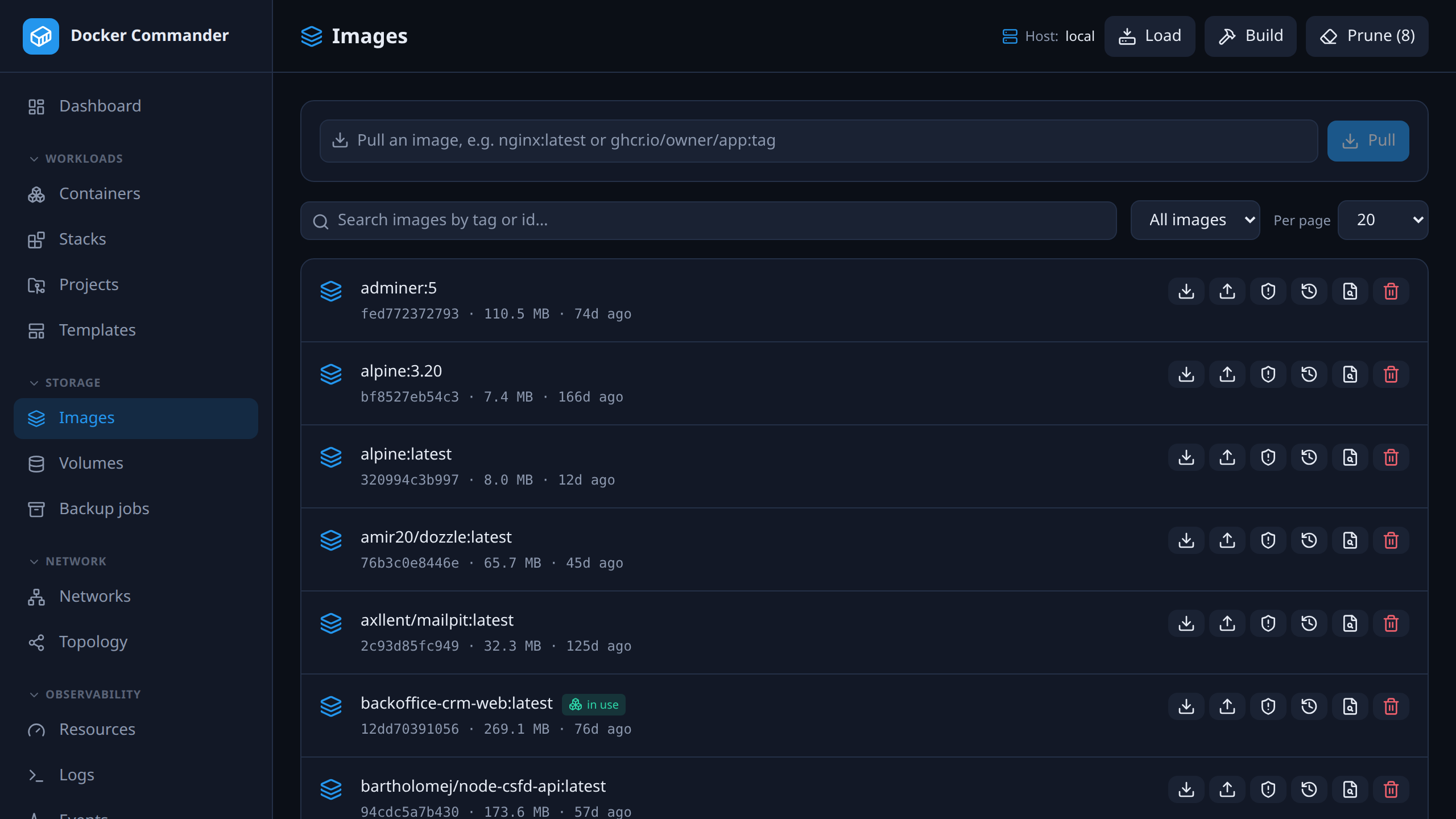
Images, scanned and triaged

Pull with live progress, build with build args and your stored registry credentials, push, tag, save and load. Trivy scans show a severity summary and a CVE table; reviewed findings can be ignored in bulk, and the decision follows the CVE to every image it turns up in.

127.0.0.1:8470
The images list with pull, build and scan actions.

The complete list

Everything in container control

Full lifecycle, not a read-only window.

  • Create and run containers, start / stop / restart / pause / unpause / kill, rename, update limits and restart policy, commit to an image, and open an interactive shell (xterm.js). Kill goes through its own confirm — it is SIGKILL for a container that stopped responding to Stop.
  • Bulk restart, stop, start and pull across several selected containers at once: a preview of exactly what is targeted, the same confirm dialog, bounded parallelism, and a per-container success/failure summary.
  • File browser inside containers and volumes — list, download, upload, upload-and-extract a .zip / .tar / .tar.gz, delete, create folders.
  • Images: pull with live progress, build (with build args, using the credentials stored under Registries for private FROM images), push, tag, save / load / import, history and prune.
  • Vulnerability scanning via Trivy with a severity summary and CVE table; selected CVEs can be ignored in bulk, globally by CVE id, with a “Show ignored” toggle to bring them back.
  • Volumes and networks: list, inspect, create, remove, prune — networks also connect and disconnect containers.
  • Private registry credentials, encrypted at rest, feeding image and tag autocomplete, builds and deploys.

Try it on one host tonight

It is one binary and a named volume. If you do not like it, delete both — nothing on your Docker hosts was changed to accommodate it.

Docker Commander v1.7.2 — Docker, hardened
docker run -d --name dockercmd \
  -p 127.0.0.1:8470:8470 \
  --group-add "$(stat -c '%g' /var/run/docker.sock)" \
  --read-only --tmpfs /tmp \
  --security-opt no-new-privileges \
  --cap-drop ALL \
  -v /var/run/docker.sock:/var/run/docker.sock \
  -v dockercmd-data:/data \
  ghcr.io/koduj-dev/docker-commander:latest

Read-only root filesystem, no added capabilities, no privilege escalation, bound to localhost. On rootless Docker or Docker Desktop, drop the --group-add line.

Show the minimal command
Docker — minimal
docker run -d --name dockercmd -p 127.0.0.1:8470:8470 \
  -v /var/run/docker.sock:/var/run/docker.sock \
  -v dockercmd-data:/data \
  ghcr.io/koduj-dev/docker-commander:latest

Fewer flags, and correspondingly fewer guardrails. Fine for a throwaway look on a machine you do not mind losing; the hardened form above is what belongs on anything you keep.

MIT licensed · no account · no telemetry · Linux, macOS and Windows