
Registries
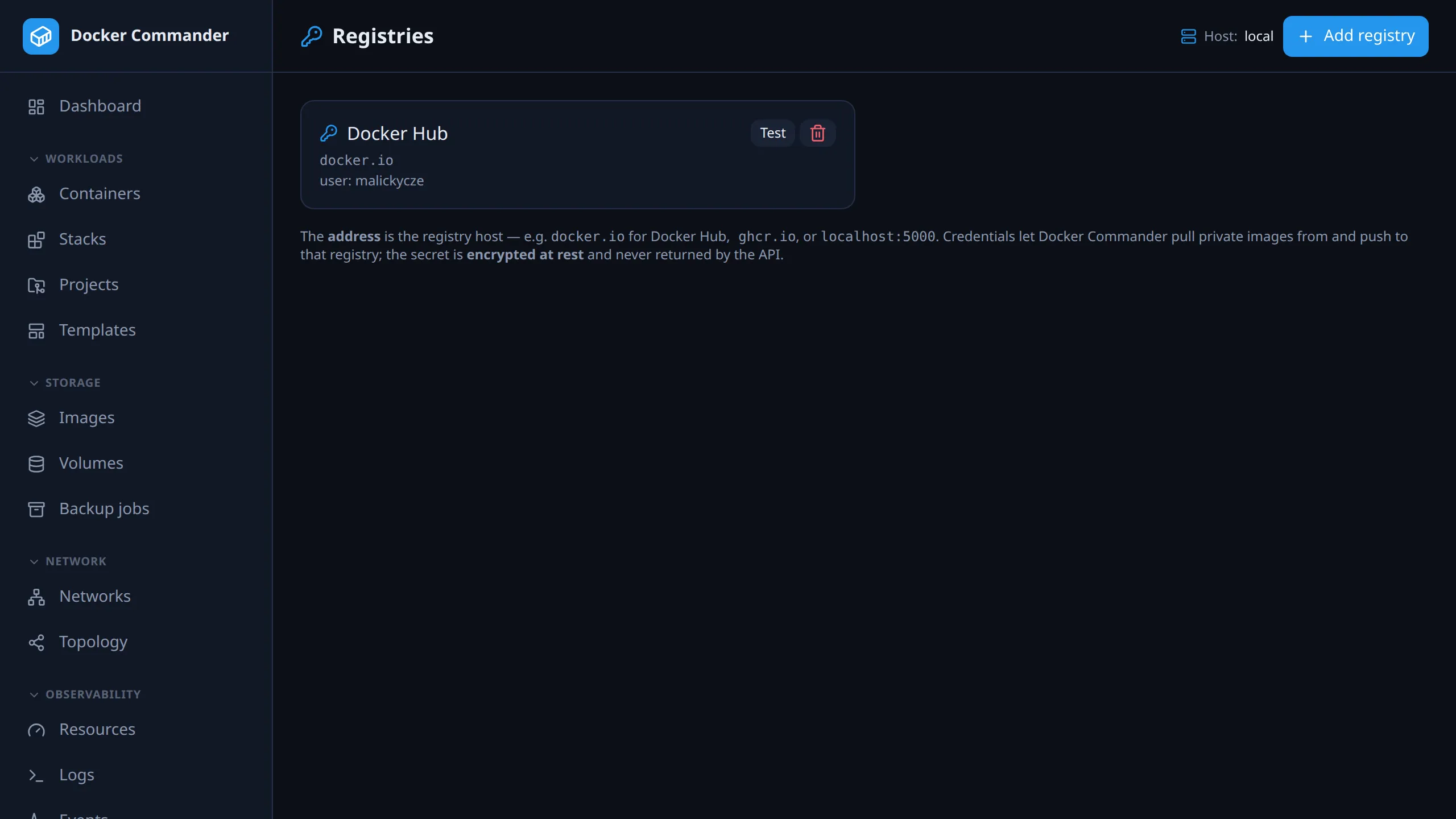
Credentials that let Docker Commander pull private images, push, and build from a private base image. The pulling, pushing and building itself happens on Images.
Common tasks
Section titled “Common tasks”Pull from a private registry. Click Add registry, enter a name, the
registry host (e.g. ghcr.io), your username and a token, and save with Add
registry. Click Test on the new card. Then pull
the full reference, e.g. ghcr.io/owner/app:tag, on Images. The
credential is picked by the host part of the reference.
Push to Docker Hub. Add docker.io with a personal access token as the
password, not your account password. Then push from Images to a
target like youruser/app:tag.
Deploy a project with private images. Add the registry here; deploys use the credential automatically. See Deploys for the one exception.
Change a token that expired. A stored credential can’t be edited. Delete it and add it again with the new token.
Adding a registry
Section titled “Adding a registry”- Name: a label. Required.
- Address (registry host): required. The registry host, e.g.
docker.io(Docker Hub),ghcr.io,registry.example.com,localhost:5000. - Username and Password / token.
The secret is encrypted at rest (AES-256-GCM) and never returned by the API. The list shows only name, address and username, with no hint whether a secret is stored. Test asks the daemon of the selected host to log in and shows success or the error. That is the way to check it.
How it’s used
Section titled “How it’s used”When you pull or push, the credential is matched by
the registry host of the image reference. An image
build sends the credentials of the registries its Dockerfile
pulls from, and no others. Docker Hub aliases are normalised,
so a docker.io entry also matches nginx or user/app.
- A pull with no matching credential runs anonymously.
- A push with no matching credential fails early with a clear message instead of a raw 401.
- For registries other than Docker Hub, the stored credential is also what lets the app list tags and check for newer images. A host with no stored credential is never contacted.
- A local insecure registry on
localhostworks over plain HTTP: the daemon allows that by default.
Deploys
Section titled “Deploys”Project deploys, revision restores, MCP deploys and stack redeploys on the local
daemon use these credentials too. A deploy runs docker compose, which reads
credentials from the Docker CLI config, so each run gets a private temporary
config: the server’s own config with the stored credentials laid over it. It is
deleted when the run ends.
- The stored credential wins. For a registry stored here, it takes
precedence over the server’s own
docker login, a credential helper, or aDOCKER_AUTH_CONFIGentry for the same registry. Logins for other registries keep working. - Two entries for one registry: the oldest is used, here and on the Images page alike.
- A broken entry doesn’t stop a deploy. A credential that can’t be decrypted, or a server Docker config that can’t be read, is skipped, and the deploy output says so.
Exception: CLI stacks on an SSH host. Redeploying a stack that was started with the
docker composeCLI on an SSH host runs compose on that host itself. It pulls with that host’s owndocker login, and the redeploy doesn’t copy the stored credentials there. Its output starts with a note saying so. A project deployed to the same host does use them, because its compose runs on the Docker Commander server.