
Settings
Admin only. App-wide configuration: which sections exist, sign-in rules, LDAP, outgoing mail and how long history is kept. Per-user access is set in Users & roles, and your own preferences in Your profile.
Tabs: Features, Security, Policy rules, LDAP, Email, MCP Admin, Data retention
and Recovery bundle. The tab is in the URL (for example /settings?tab=retention),
so a link or a reload opens the same tab.
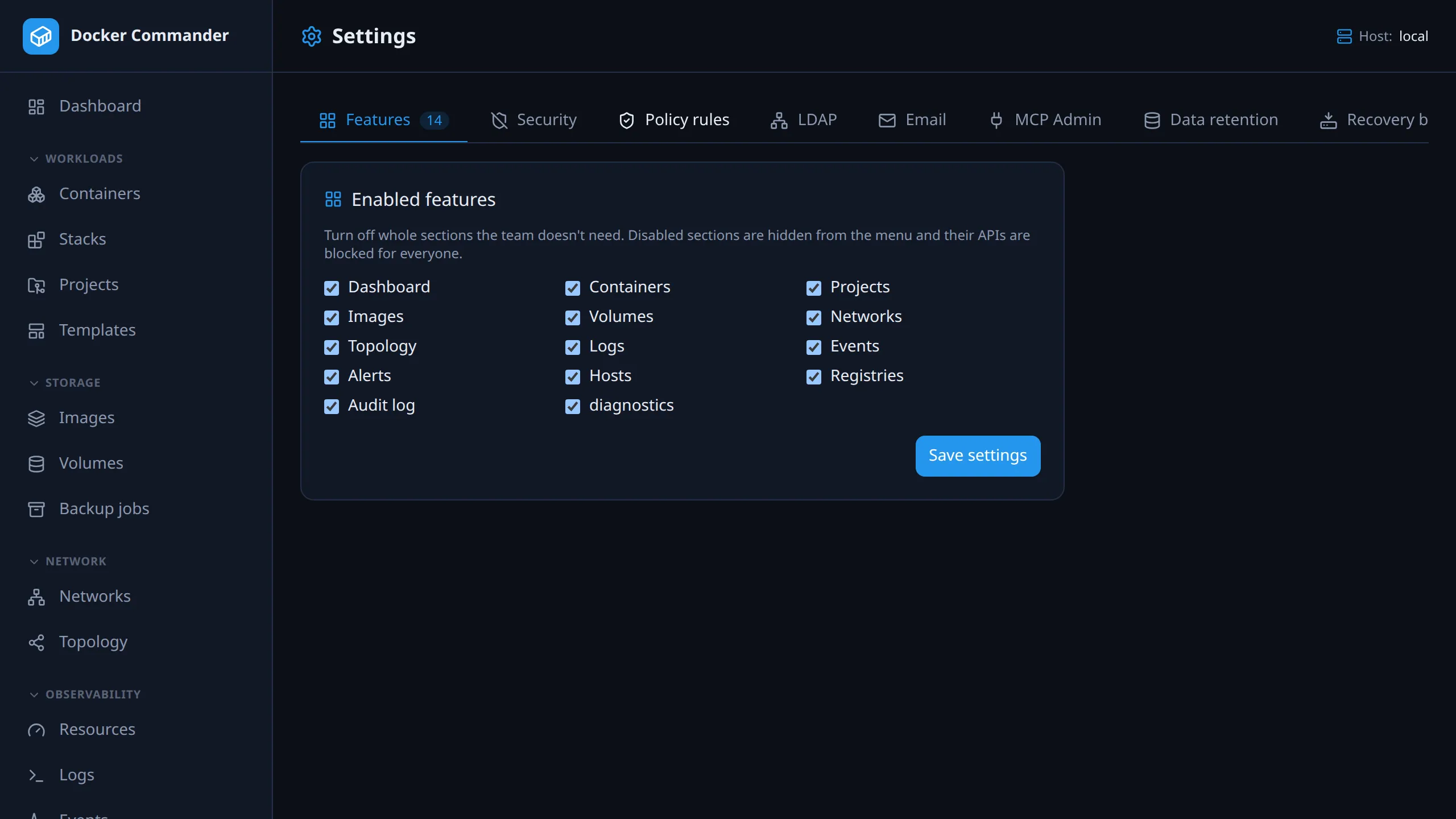
Common tasks
Section titled “Common tasks”Turn off a section nobody uses. Untick it on Features. It disappears from everyone’s menu and its API is blocked for non-admins. Admins can still reach the API, so a feature flag is not a way to lock admins out.
Keep the audit log longer. On Data retention, raise Audit log or set it to keep forever, then save. The default is 365 days and the minimum is 30. On an upgrade, do this before the first purge (see the note under Data retention).
Sign in with company accounts. On LDAP, fill in the server, bind account, user base DN and filter, then click Test. Add group mappings that grant roles, so the directory decides access. Set an admin group DN only if you want directory admins.
Get alerts by e-mail. On Email, set the relay and the From/To addresses and click Send test. For a relay on port 465, tick Implicit TLS.
Install patch releases automatically. On Security, tick Automatically apply new releases and set Granularity to Patch only (1.2.x).
Features
Section titled “Features”Turn whole menu sections on or off for everyone. A disabled section is hidden from the menu and its API, including the matching MCP tools, is blocked for non-admins.
The sections are Dashboard, Containers, Projects, Images, Volumes, Networks, Topology, Logs, Events, Alerts, Hosts, Registries, Audit log and Troubleshooting. The same list is what Users & roles grants per user.
Security
Section titled “Security”Localhost 2FA exemption
Section titled “Localhost 2FA exemption”By default 2FA is mandatory for every login. With this on, connections from
loopback (127.0.0.1 / ::1) sign in with a password only. They skip both
the enrollment step and the code. Remote connections always need 2FA.
- It applies only to a direct loopback connection. A request doesn’t qualify
if its peer is a proxy listed in
DC_TRUSTED_PROXIES, or if it carries any forwarding header (Forwarded,X-Forwarded-*,X-Real-Ip,Via), even an empty one. - A local proxy that is not listed and adds none of those headers makes every
client look local. Behind a proxy, set
DC_TRUSTED_PROXIESor leave this off. See Deployment. - Good for a personal or local install. Leave it off on shared servers.
- It is the same toggle the first-run setup flips when you choose Skip for now. You can change it here later.
MCP token lifetime
Section titled “MCP token lifetime”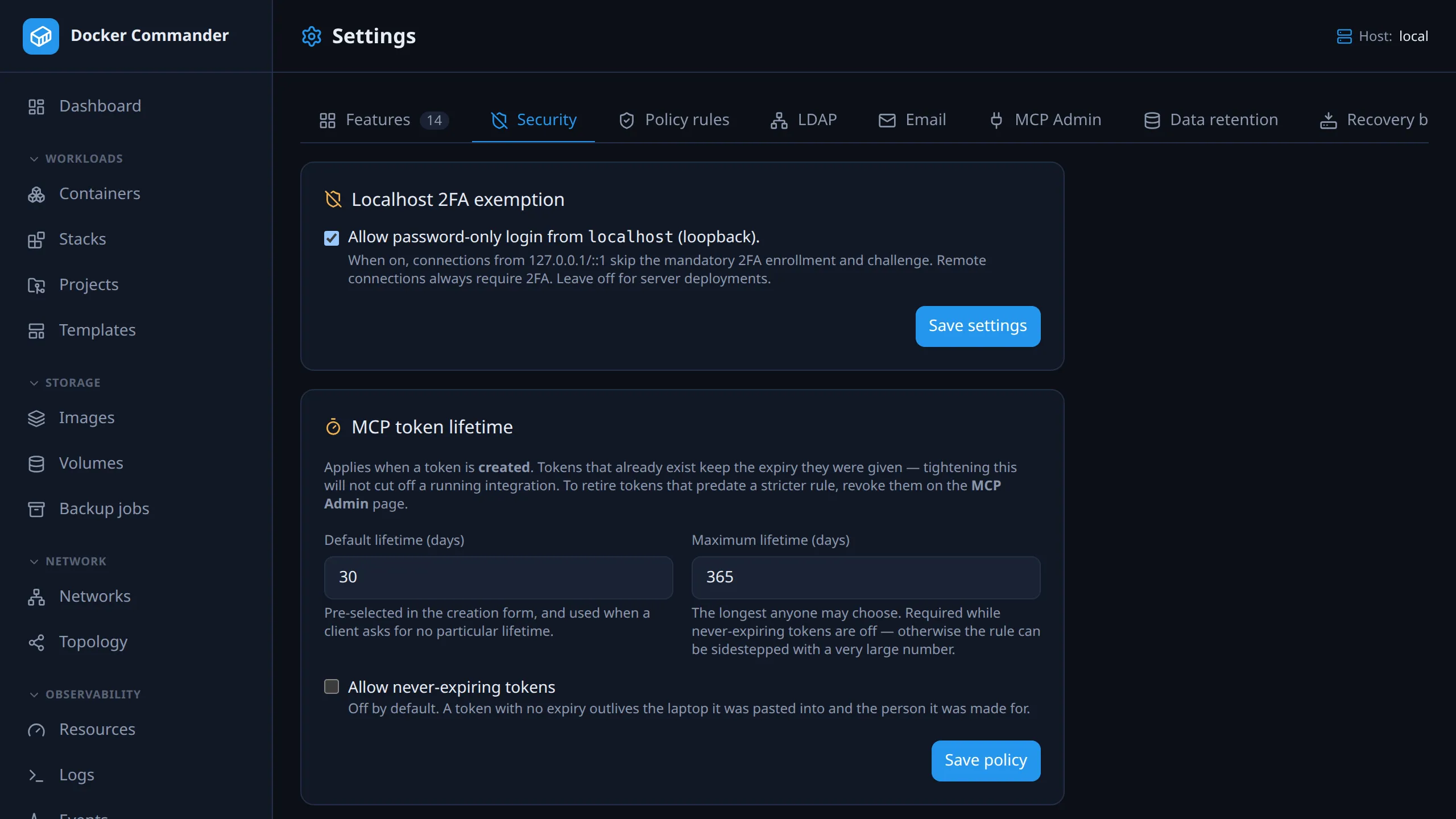
Instance-wide rules for the API tokens users create on the MCP page.
| Setting | Default | Meaning |
|---|---|---|
| Default lifetime | 30 days | Pre-selected in the creation form, and used when a client asks for no particular expiry. |
| Maximum lifetime | 365 days | A ceiling. Without one, “no never-expiring tokens” is easy to sidestep by asking for 99999 days. |
| Allow never-expiring tokens | off | Turn on only for an integration that really needs a permanent credential. The ceiling can then be cleared. |
Revoking needs someone to remember; an expiry keeps working when nobody is paying attention.
- The policy governs what may be created, not what exists. Tokens keep the expiry they were given, so tightening it won’t cut off a running integration overnight. To retire older tokens, revoke them on MCP Admin.
- The creation form only offers lifetimes the server accepts, and the server checks again anyway.
- Contradictory settings are corrected, not stored. A default above the ceiling is lowered to it. Clearing the ceiling while never-expiring tokens are off puts the 365-day ceiling back. The page shows what is in force after saving, not what was typed.
Self-update auto-apply
Section titled “Self-update auto-apply”Self-update lets an admin apply a new release by hand from the update banner. This setting applies releases automatically.
- Off by default.
- Granularity caps how far an automatic update may jump: patch only, patch & minor (the default once enabled), or everything, including major. It is a ceiling, so “patch & minor” also lets a patch through.
- It checks on the same schedule as the update banner, and downloads and verifies the release the same way Update & restart does. It never runs at the same time as a manual update.
- The ceiling is checked against the exact release being installed, not an earlier cached check, so a release published between two checks can’t slip past it.
- Every automatic update is recorded in the audit log. Each admin sees a one-time “you’re now on vX.Y.Z, applied automatically” notice at their next login, until they dismiss it.
- The control is disabled, with an explanation, when auto-apply could never run:
the update check is off (
DC_UPDATE_CHECK=0), or self-update is unavailable (DC_SELF_UPDATE=0, or a platform that can’t restart itself in place, such as Windows). So a saved policy is never silently inactive.
LDAP / Active Directory
Section titled “LDAP / Active Directory”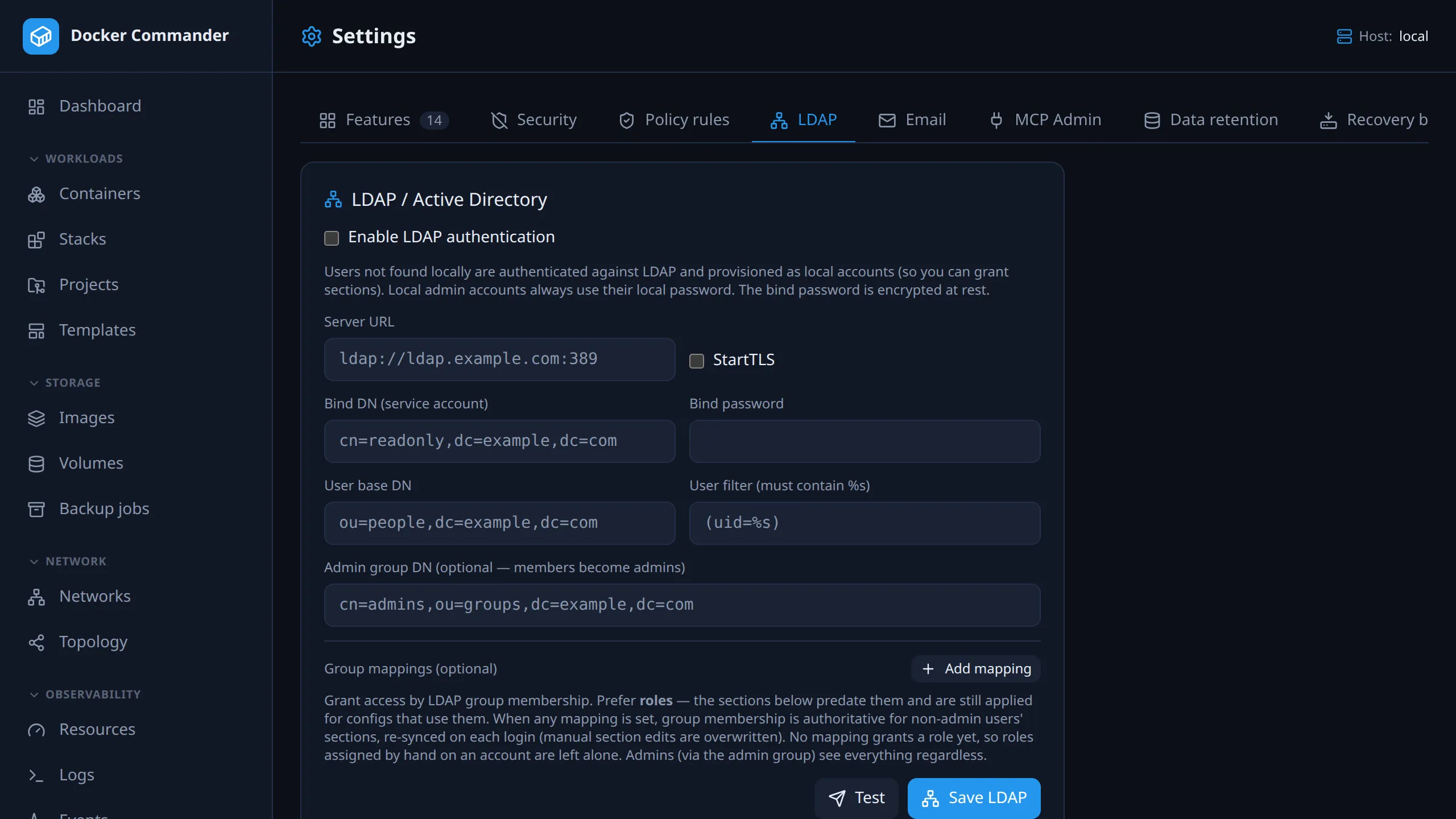
Optional external sign-in.
| Field | Notes |
|---|---|
| Enable, Server URL | ldap://host:389 or ldaps://host:636. Optional StartTLS. |
| Bind DN, password | A service account used to search. The password is encrypted at rest; leave it blank to keep the stored one. |
| User base DN, User filter | The filter must contain %s, for example (uid=%s) or (sAMAccountName=%s). |
| Admin group DN | Optional. Members are created as admins. |
| Group mappings | Optional. A group DN plus the roles its members get, and/or raw sections. Access is the union of every mapping the user’s groups match. Prefer roles; the section pills predate them and stay for older configs. |
| Fallback role | Optional, shown once a mapping grants a role. See below. |
Test checks connecting, binding and searching.
How login works. Local accounts always use their local password. A username
with no local account (while LDAP is on) is checked against the directory and
created as a local user, or admin if in the admin group. These users can
still enroll their own TOTP.
Sections. Without group mappings, you grant an LDAP user’s sections by hand in Users, and they stay. Once any group mapping exists, LDAP decides a non-admin’s sections. They are recalculated from group membership on every login, so a group change applies at the next sign-in and manual edits are overwritten.
Roles use the same matching but a different switch. They are synced from the directory only once at least one mapping grants a role, so an upgrade doesn’t strip roles from installs whose mappings predate them. See Roles from LDAP groups for the full table.
- A mapping can never grant admin. Only the admin group DN does that.
- A role id left behind by a deleted role grants nothing, instead of failing the login.
Fallback role is granted in place of a mapped role that no longer exists, so deleting a role drops its members to a baseline instead of nothing. It doesn’t apply to users whose groups map to no role at all. The nominated role can’t be deleted while it is the fallback.
Admin stays once granted. Removing someone from the admin group does not demote them, which avoids a lockout when the directory is unreachable. Demote them in Users.
Matching. Group DNs are matched on the full DN, ignoring case, and unknown
section names are ignored. The DN must match the form your directory returns in
memberOf. DNs aren’t normalised, so avoid stray spaces between the parts. If a
mapping never applies, check the exact DN with Test or your directory tools.
A mismatch only ever denies access.
Email (SMTP)
Section titled “Email (SMTP)”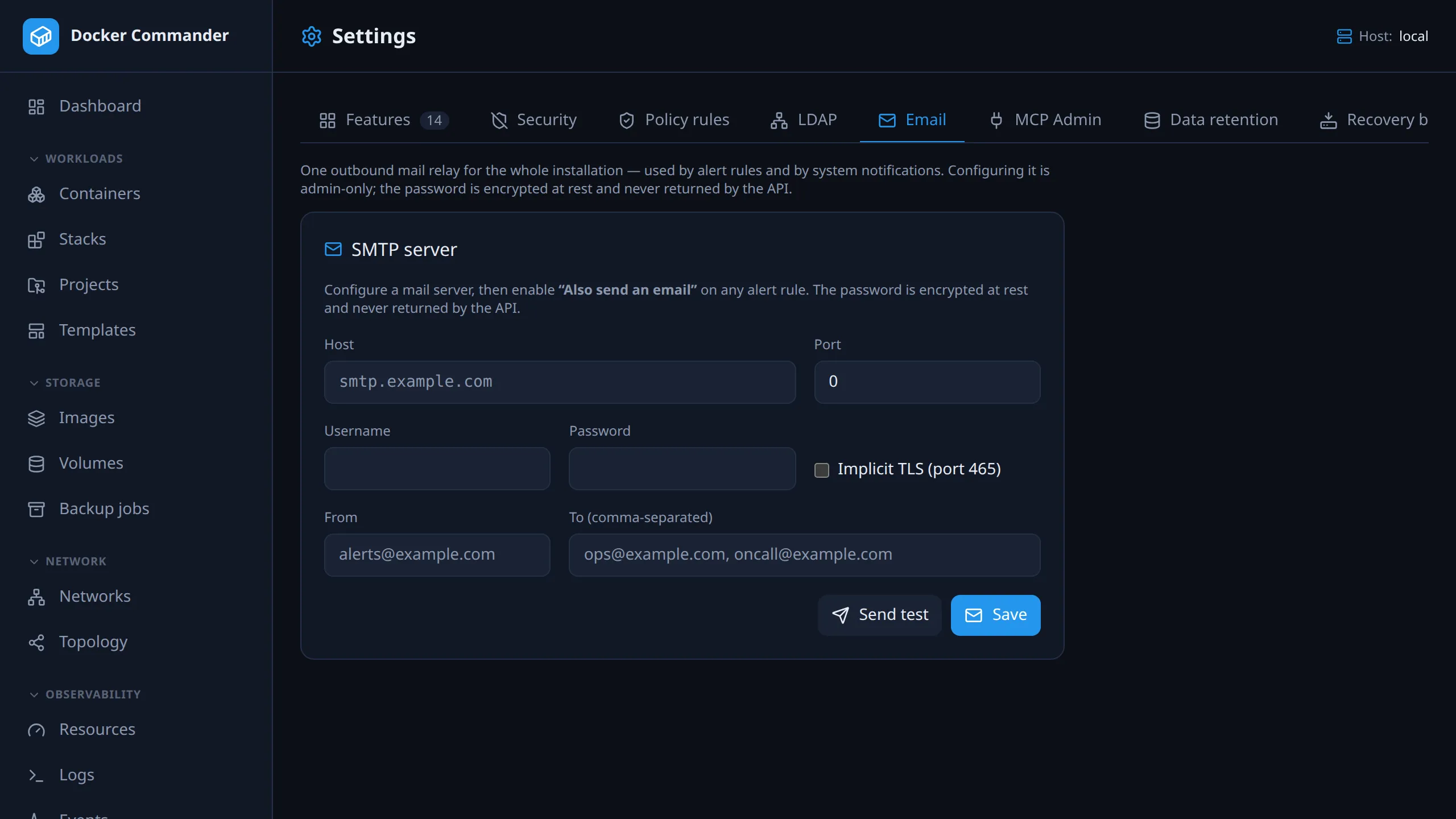
One outgoing mail relay for the whole installation. Alert rules that use e-mail and system notifications both send through it. Set host and port, optional credentials, and the From and To addresses (To takes a comma-separated list). Then click Send test to check it end to end. The password is encrypted at rest and never returned by the API.
Transport security is one checkbox. Tick Implicit TLS for a relay that expects TLS from the first byte (port 465). Leave it off and the connection starts in plain text and upgrades with STARTTLS if the server offers it, the usual setup on port 587. That upgrade is opportunistic: a relay without STARTTLS is used in plain text, not refused. On an untrusted network, use implicit TLS.
Admin only. This used to be under Alerts → Email, open to anyone with the alerts section. Because it is one relay for the whole instance, that let a non-admin redirect the installation’s mail. Alert rules and the feed still only need the alerts section. Adding or deleting a webhook is admin-only too, see Alerts.
Policy rules
Section titled “Policy rules”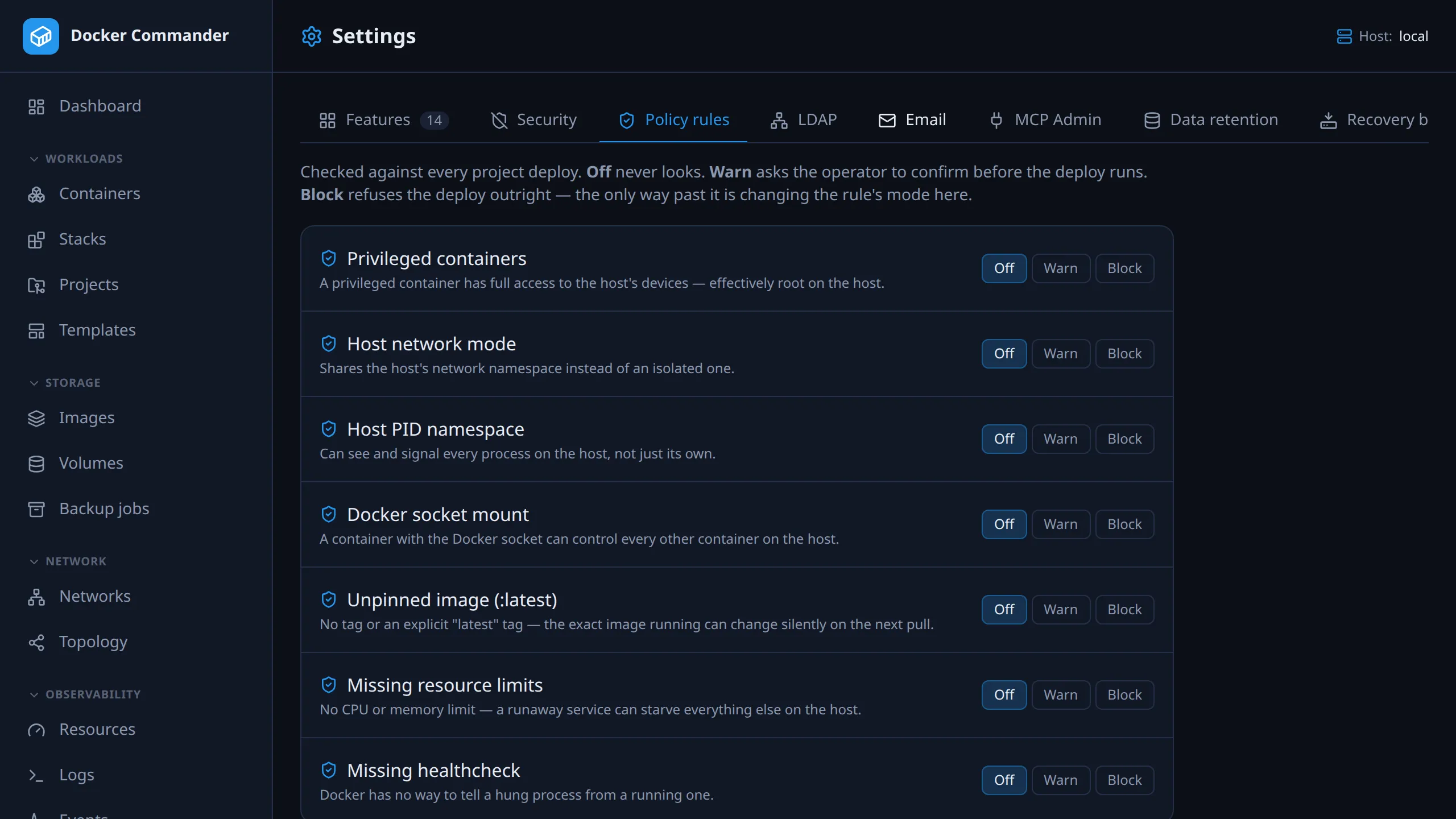
Checks that run on every project deploy: privileged container, host network,
host PID namespace, Docker socket mount, :latest image, no limits, no
healthcheck. Each rule is Off, Warn or Block. Details in
Policy rules.
MCP Admin
Section titled “MCP Admin”All API tokens, OAuth clients and sessions of all users, with revoke. See MCP → Admin overview.
Data retention
Section titled “Data retention”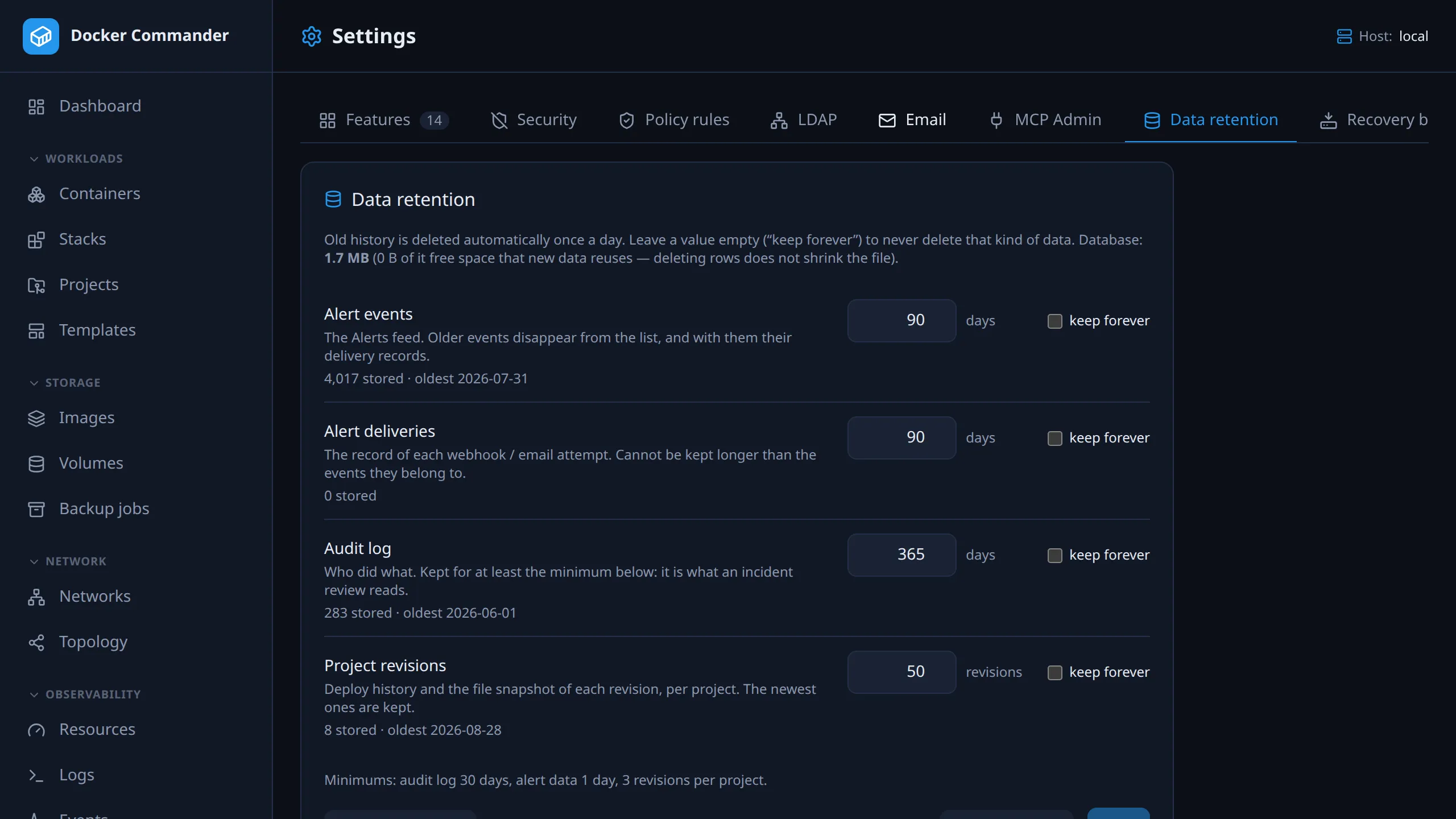
Old history is deleted once a day. This tab sets how long each kind is kept. It is on by default.
| Area | Default | Notes |
|---|---|---|
| Alert events | 90 days | The Alerts feed. |
| Alert deliveries | 90 days | Webhook and e-mail attempts. Deleted with their event, so this can’t be longer than the events. |
| Audit log | 365 days | 30 days at the minimum. |
| Project revisions | newest 50 per project | A count, not an age. The snapshot file of a deleted revision is removed too. At least 3. |
Set a row to keep forever to never delete it. Reset to defaults fills in the form without saving.
Each row shows how many entries are stored and the age of the oldest. The database size is at the top. SQLite doesn’t shrink the file after a delete; it reuses the free space, so the size stays the same.
- Purge now runs the purge immediately, after a confirmation. It uses the saved policy, so it is disabled while the form has unsaved changes.
- Last purge shows when it ran, whether it was scheduled or manual, what it deleted, how long it took, the database size before and after, and any error.
Upgrading to 1.7.0: the defaults are on, so the first purge deletes alert history older than 90 days and audit entries older than a year. To keep more, change the values here within a few minutes of the server starting.
Limits are listed in Limits.
Technical notes
Section titled “Technical notes”- Schedule. The first purge runs about two minutes after the server starts, then every 24 hours. It deletes in small batches. Snapshot files with no revision left (from a failed purge) are removed on the next run.
- Logging. Each run writes a line to the process log. If it deleted something
or failed, it also adds a
retention.purgeentry to the audit log. - Unreadable policy. If the saved policy can’t be read, nothing is deleted. The page shows a warning and the defaults. Save a policy to resume.
Recovery bundle
Section titled “Recovery bundle”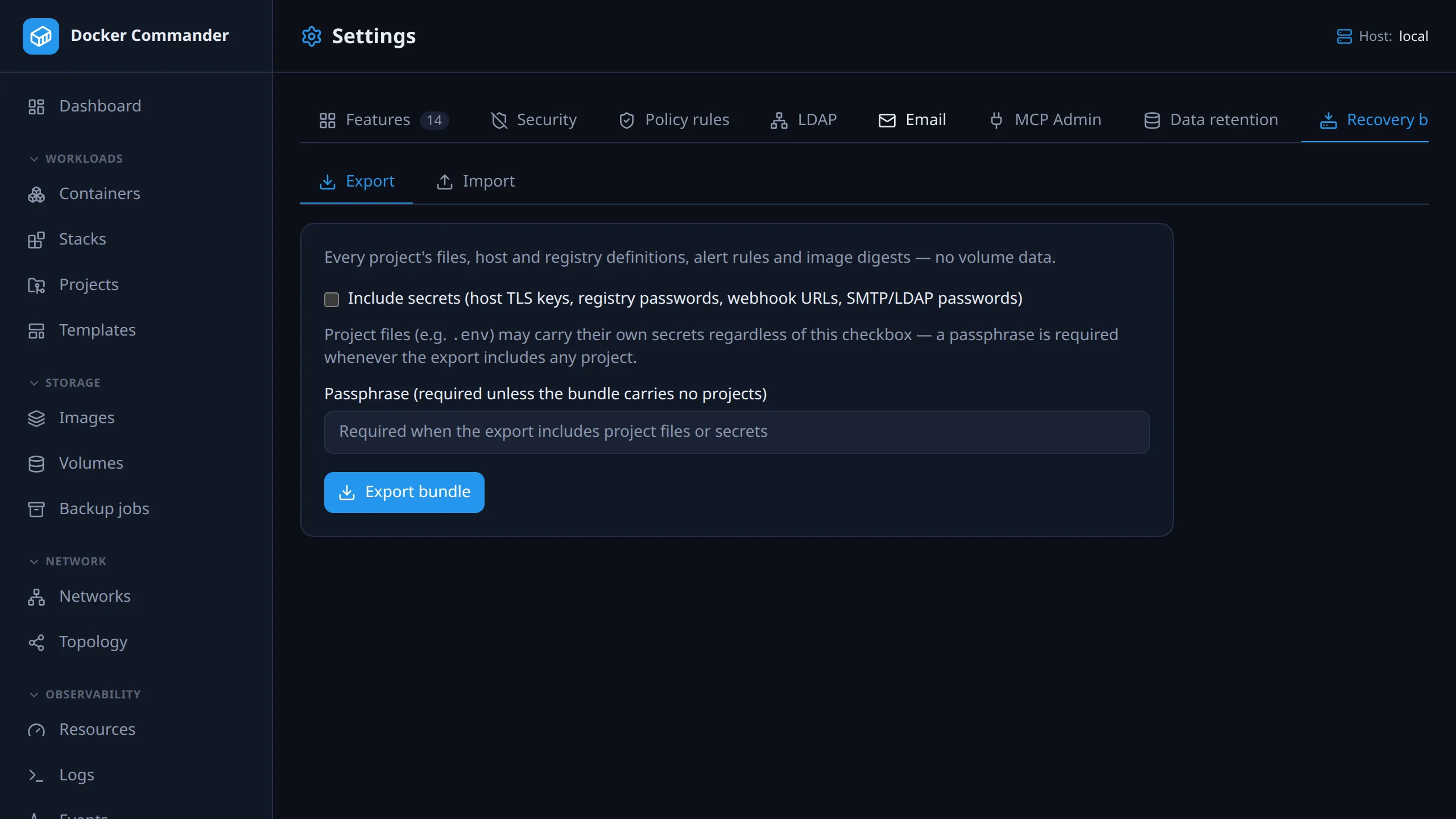
Export your setup to one file and import it on another instance. See Recovery bundle.